
Apple Apple - USB-C Digita; AV Multiport Adapter
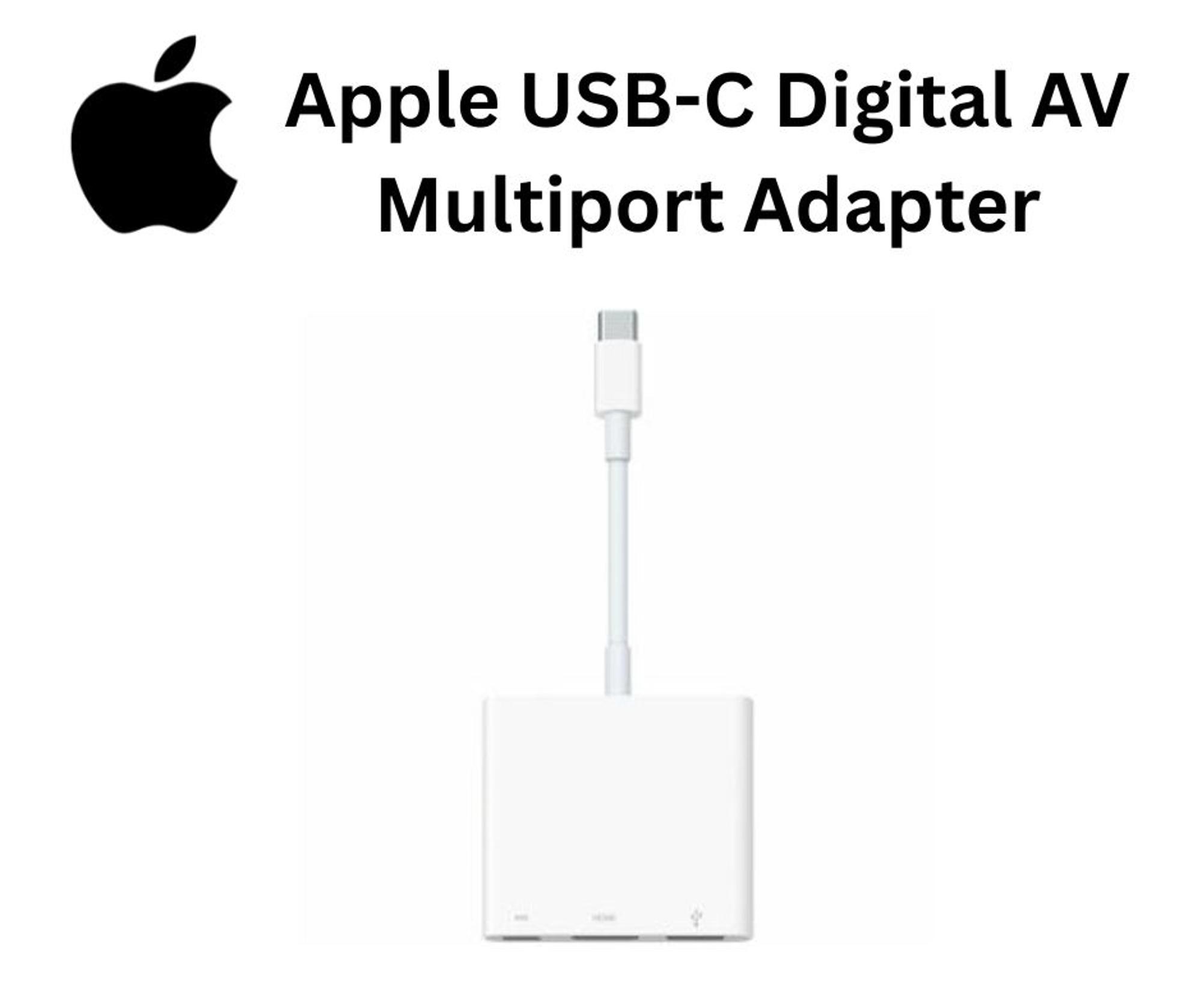
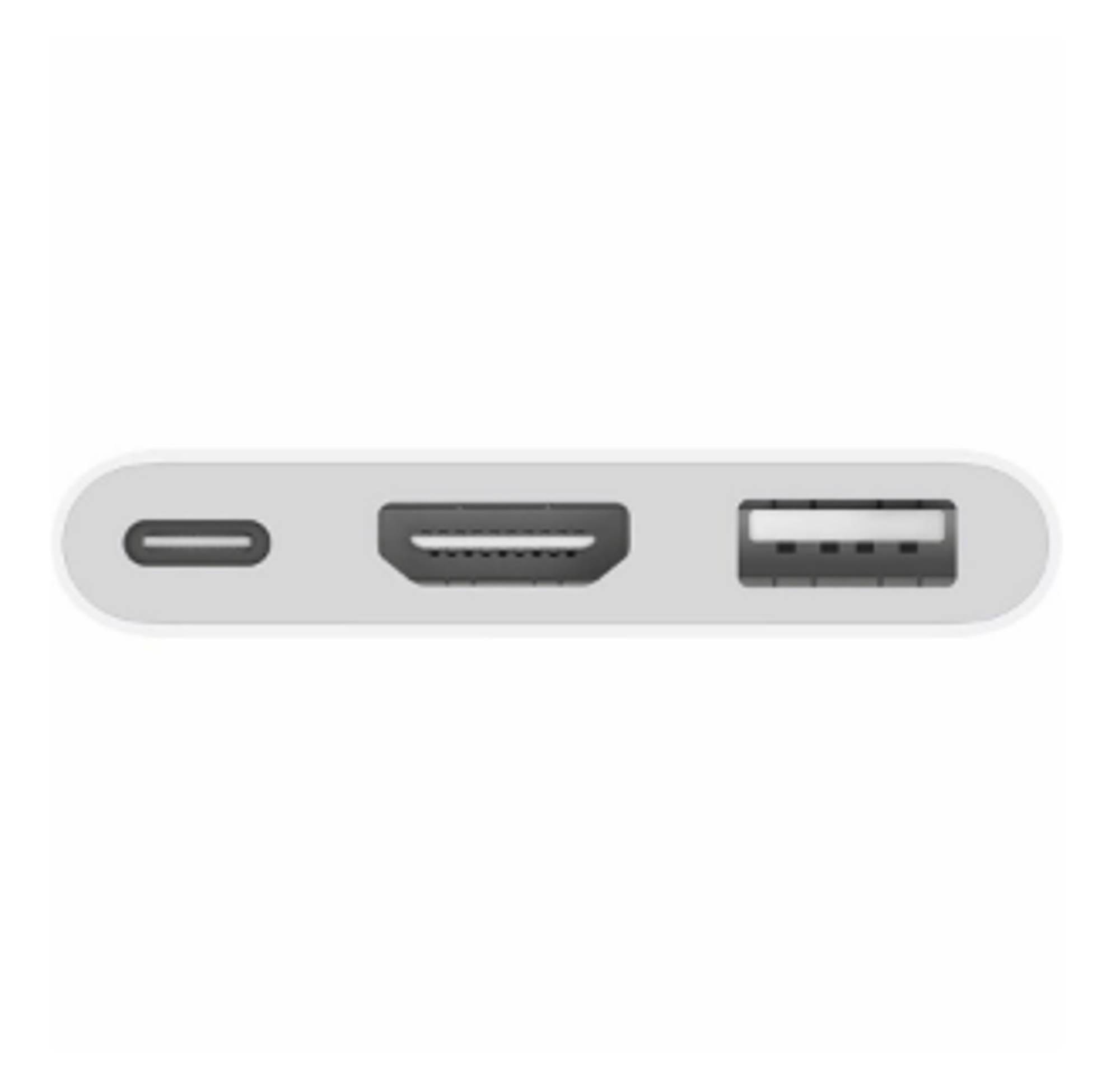
The USB-C Digital AV Multiport Adapter lets you connect your USB-C-enabled Mac, iPad or iPhone to an HDMI display, while also connecting a standard USB device and a USB-C charging cable.
This adapter allows you to mirror your USB-C-enabled Mac, iPad or iPhone to your HDMI-enabled TV or display.
3840x2160 at 60Hz on:iPhone 15, iPhone 15 Plus, iPhone 15 Pro, iPhone 15 Pro Max, iPad Pro 13-inch (M4), iPad Pro 11-inch (M4), iPad Air 13-inch (M2), iPad Air 11-inch (M2), iPad Air (5th generation), iPad Pro 11-inch (4th generation), iPad Pro 12.9-inch (3rd generation and later), MacBook Pro (16-inch, 2019), MacBook Pro (15-inch, 2017 and later), MacBook Pro (13-inch, four Thunderbolt 3 ports, 2020), MacBook Air (2020), iMac (Retina 5K, 27-inch, 2017 and later), iMac (Retina 4K, 21.5-inch, 2017 and later) and iMac Pro (2017 and later).
1080p at 60Hz or UHD (3840x2160) at 30Hz on:iPad Air (4th generation), MacBook Air (2018 and later), MacBook Pro (13-inch, 2016 and later), MacBook Pro (15-inch, 2016), iMac (non-Retina, 21.5-inch, 2017) and Mac mini (2018)
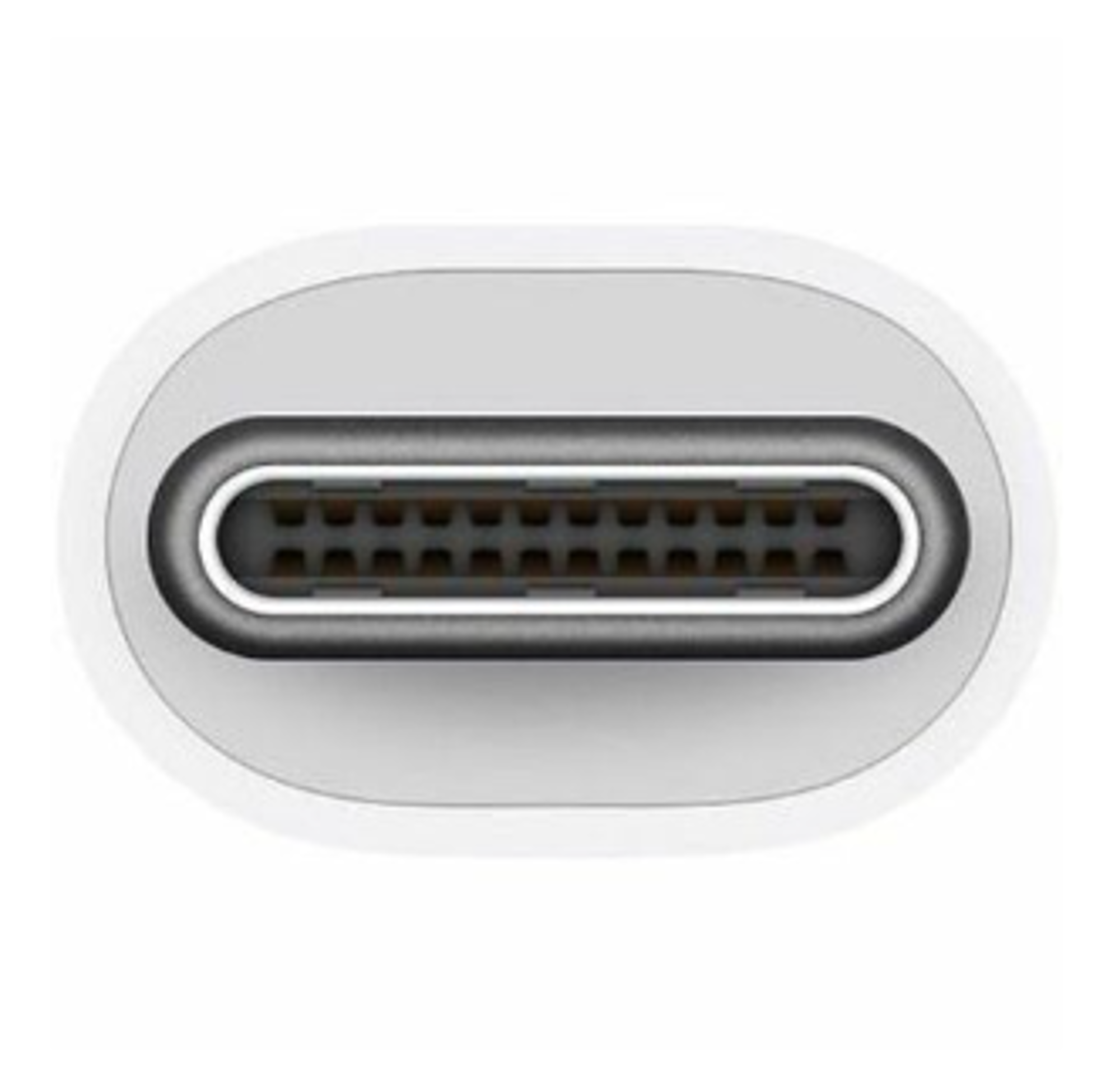
Simply connect the adapter to a USB-C or Thunderbolt 3 (USB-C) connector on your Mac, iPad or iPhone, and then to your TV or projector via an HDMI cable (sold separately).
Use the standard USB port to connect devices such as your flash drive or camera or a USB cable for syncing and charging your iOS devices. You can also connect a charging cable to the USB-C port to charge your Mac, iPad or iPhone.